Pick a motion.
Make it yours.
Bring images or video clips. Every motion comes with its own settings, plus the camera, timing and backdrop. Same starting point, a video that looks like your work.
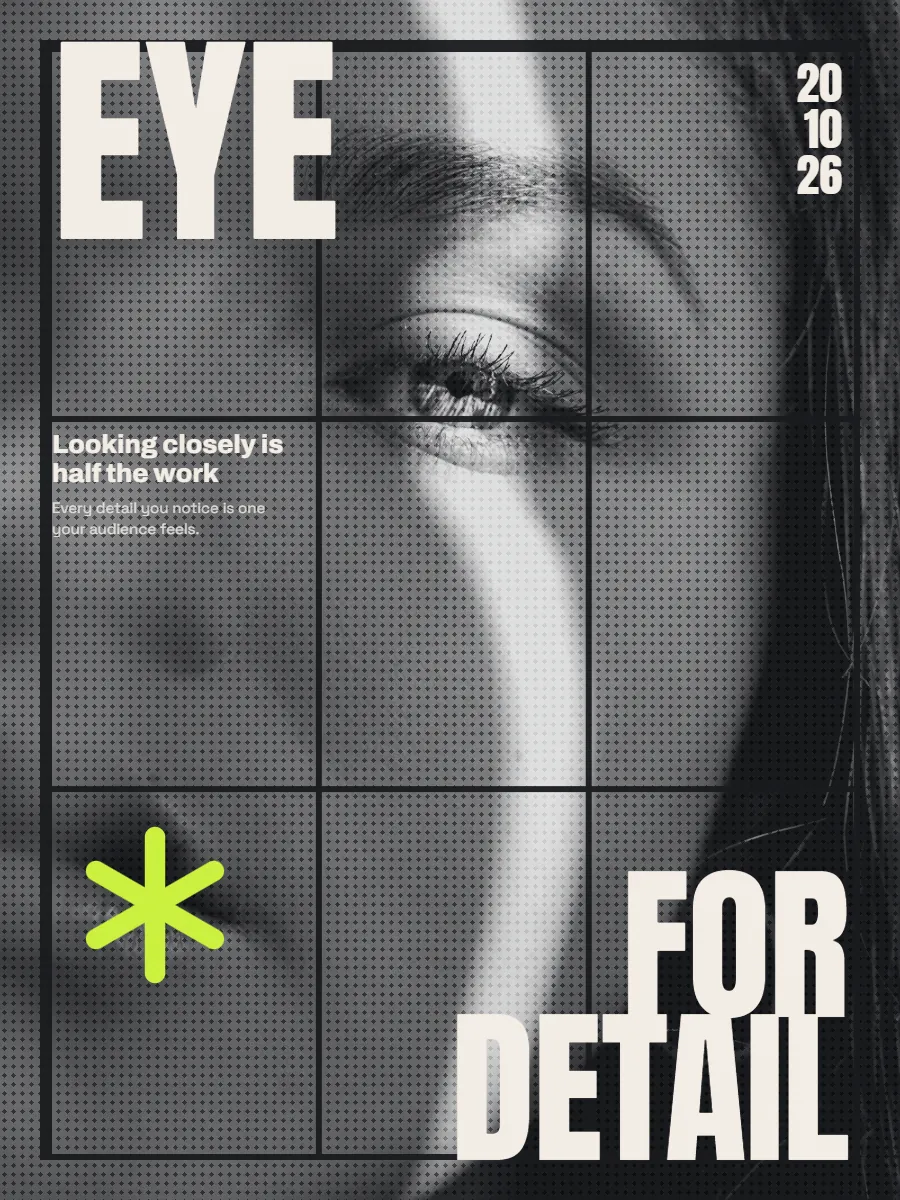
Great work gets
scrolled past.
You spent weeks on the project. In a feed, a still screenshot of it gets a second's glance. Movement is what makes people stop.
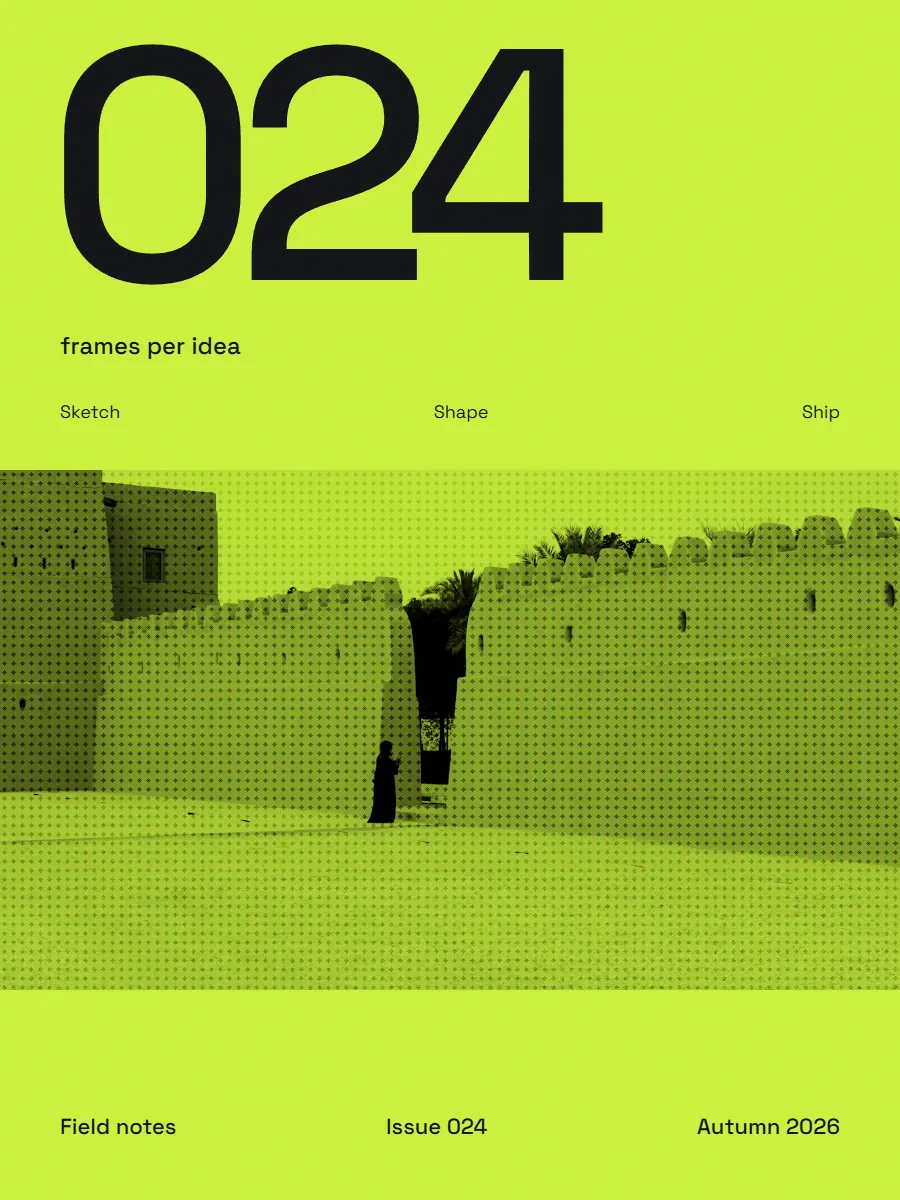
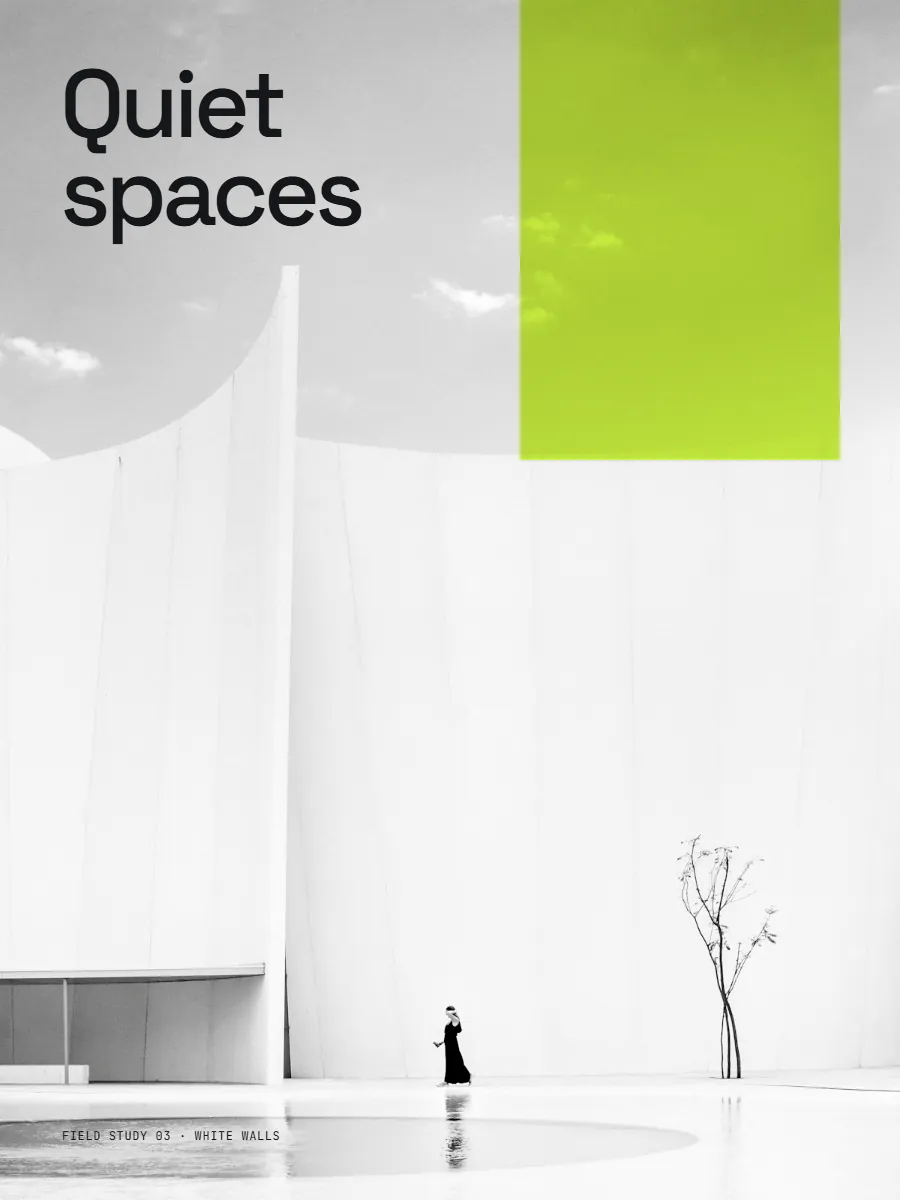
Stills blend in
Portfolios, case studies and launch posts end up looking alike: a grid of screenshots, scrolled past in a second.
Motion takes time
Moving work gets noticed. But making it has meant After Effects, hours of keyframes or a motion designer.
Minutes, not days
Drop in your images or video clips, pick a motion and export a polished loop. No timeline, no skills needed, right in your browser.
One project. Every shape.
Stories, feeds and case studies from the same showcase. Nothing gets stretched or cut off.
31 motions, and counting.
3D rings and tunnels, grids, decks and carousels. Each comes with its own settings to make it yours, and each one loops seamlessly.
Made for people who care
how work is shown.
Same motion, a different video every time
Every motion has its own settings, like a tunnel that's square, hexagonal or round, or a carousel that runs flat, angled or stacked. On top of that: camera, speed, easing, backdrop and the crop of every image.
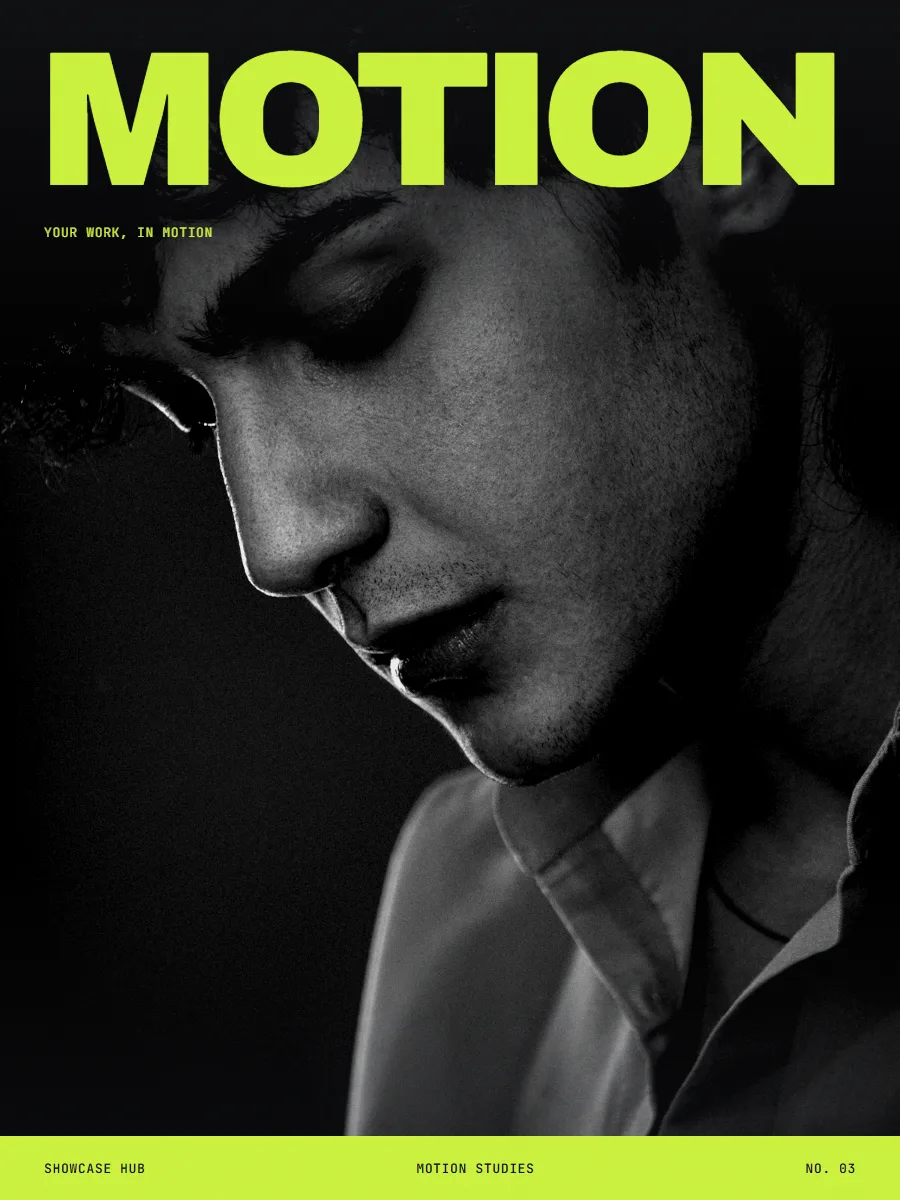
Six frame shapes, and the cards change shape too
One project reshapes for stories, feeds and slides. Cards can be portrait, square or wide, or follow your media. Nothing stretched, nothing cut off.
Your work never leaves your computer
Everything runs in your browser. Nothing is uploaded, ever.
MP4, WebM, transparent video and PNG frames.
Every export ends exactly where it began.
Come back for the revision
Every project saves itself, so client changes take minutes, not a rebuild.
 v1
v1 v2v3
v2v3Questions, answered.
Is it really free?
Yes. During the beta everything is free: every motion, unlimited projects, and exports up to 4K at 60 fps, including transparent video, with no watermark.
How easy is it to make something?
Three steps: drop in your images or video clips, pick a motion, and export. No account, no timeline, nothing to install. Your first loop takes a couple of minutes.
Do you store my work?
No. Everything runs in your browser on your own computer. Your images, videos and projects are never uploaded to us or anyone else.
How long does an export take?
It depends on your computer. A 15-second loop at 1080p usually takes around 40–60 seconds on a good laptop; video clips and 60 fps take longer. The progress bar shows the time remaining.
Can I use it for client work?
Yes. Commercial use is allowed, and anything you export during the beta stays yours to use commercially for good.
What devices does it work on?
Laptops and desktops, on Mac and Windows, in up-to-date Chrome, Edge, Firefox and Safari. On a phone, it gives you a link to open on your computer.
What can I export?
MP4 or WebM video, transparent video, or PNG frames, in six frame shapes from 9:16 to 16:9, all from the same project. The cards inside can be portrait, square or wide too.